My space
Four screens, and nothing else to remember: your timetable, your grades, your absences and your messages.
In brief
- Where to see your lessons for the day and any cancellations.
- Why a grade does not always appear straight away.
- What each absence state means.
My timetable
Your sessions show by day, by week or by month, with the subject, the time, the room and the teacher. A cancelled session is flagged, and you get an alert if you have switched that on in your preferences.
My grades
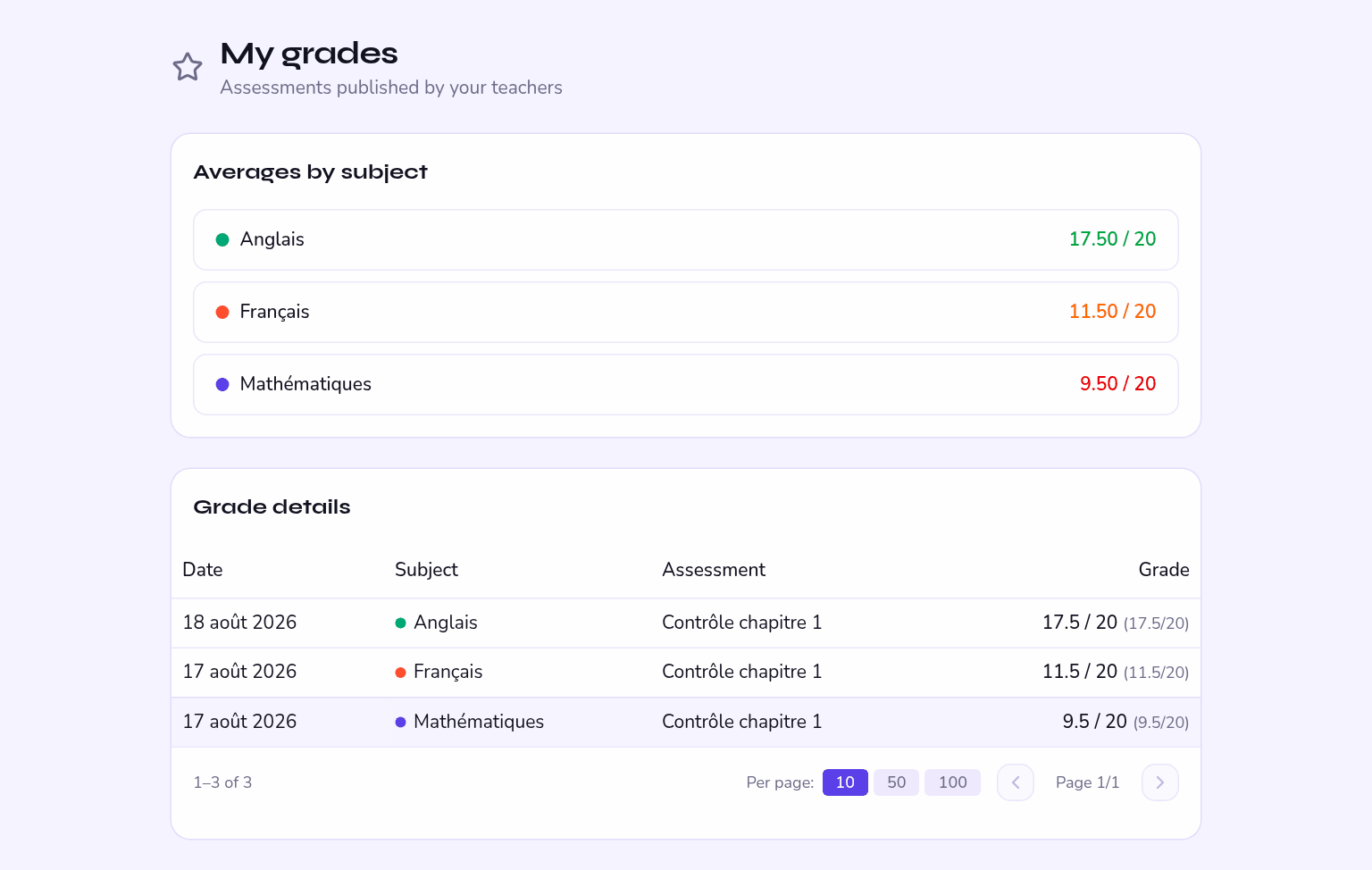
My grades lists the assessments that have been published, with the scale, the coefficient and the teacher's comment if there is one.
Until the teacher publishes it, it is not shown to you. No point asking for it the day after the test.
My absences
My absences shows your history session by session and your attendance rate.
| State | What it means |
|---|---|
| Present | You were there. |
| Absent | You were not there and the absence is not explained. |
| Late | You arrived after the lesson started. |
| Excused | The absence is explained: it does not count against you. |
Something wrong? Tell your teacher, or ask your parents to submit an absence note.
Writing to a teacher
Messages let you ask a teacher a question and get their reply. Keep it to school matters: messages are kept by the school.