School settings
Everything that applies to the school as a whole is set here: its identity, what appears in everyone's menu, its calendar and its storage.
In brief
- What changes for everyone when you switch a feature off.
- Where to see what is eating your storage quota.
- How to get all your files back in one archive.
Identity
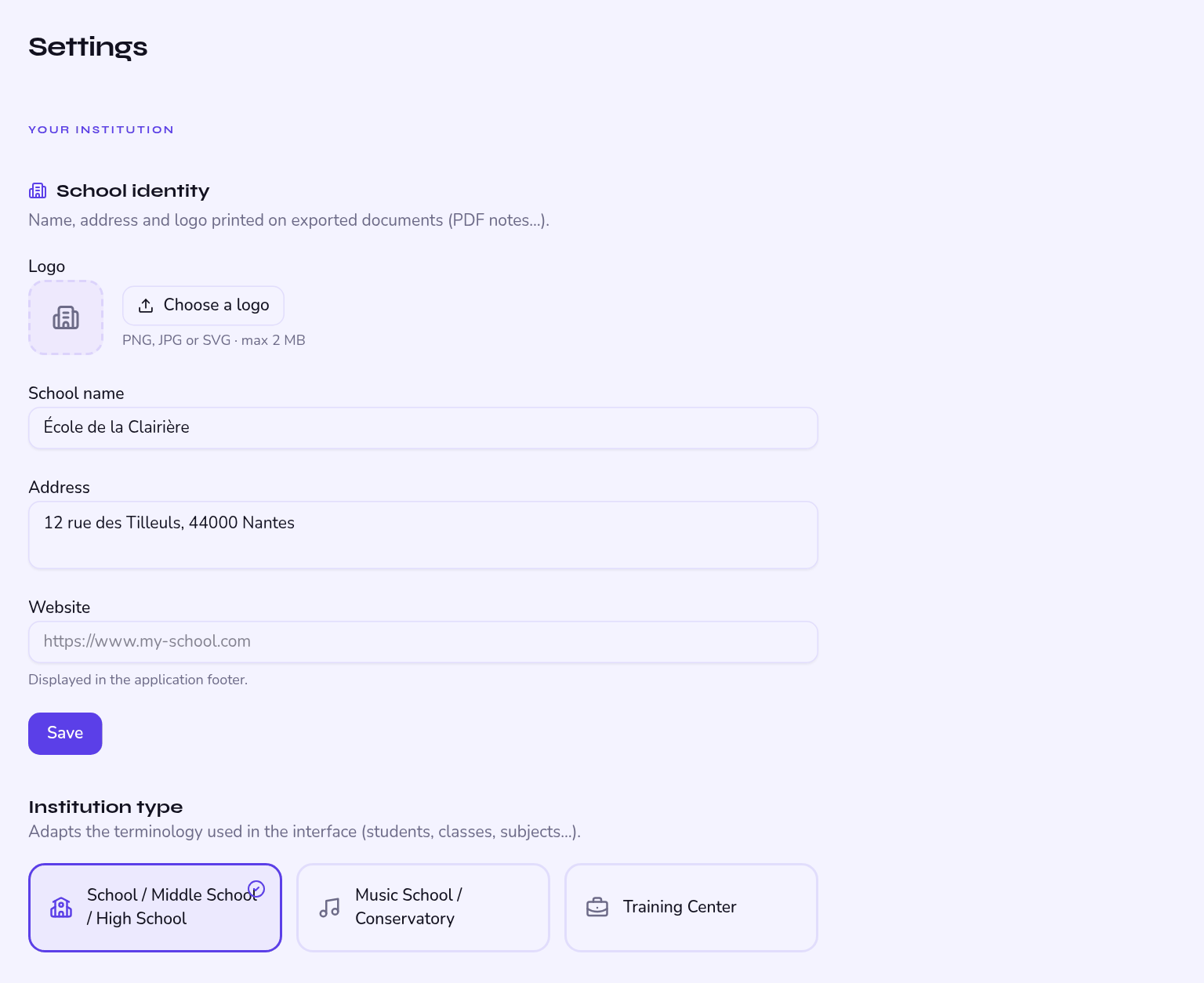
Name, logo, address, website, default language and kind of school. These are not decoration: the logo and address appear on report cards and on absence notes exported as PDF.
The logo is reproduced as is in PDFs. A square file, on a transparent or white background, prints best.
Features you can switch
Six switches control what Kiteba offers in your school:
| Feature | If you switch it off |
|---|---|
| Attendance | Attendance disappears, including for teachers. |
| Assessments | No more grades, no more comments, no more report cards. |
| Messages | Nobody can write to anybody in the app any more. |
| Announcements | The entry disappears; published announcements can no longer be read. |
| Parent portal | Parents lose access to the app. Off by default in a training centre. |
| Student portal | Students lose access to the app. |
Switching a feature off removes it from everyone's navigation, not just yours. The data is not deleted: switching it back on makes it reachable again.
Calendar and hours
- Time zone — drives the times shown on sessions and the timestamps on attendance.
- Working days — Monday to Saturday by default; an unticked day leaves the timetable.
- Academic terms — monthly, termly or half-yearly division of the year.
- Holidays — declared dates automatically exclude the matching sessions.
Storage
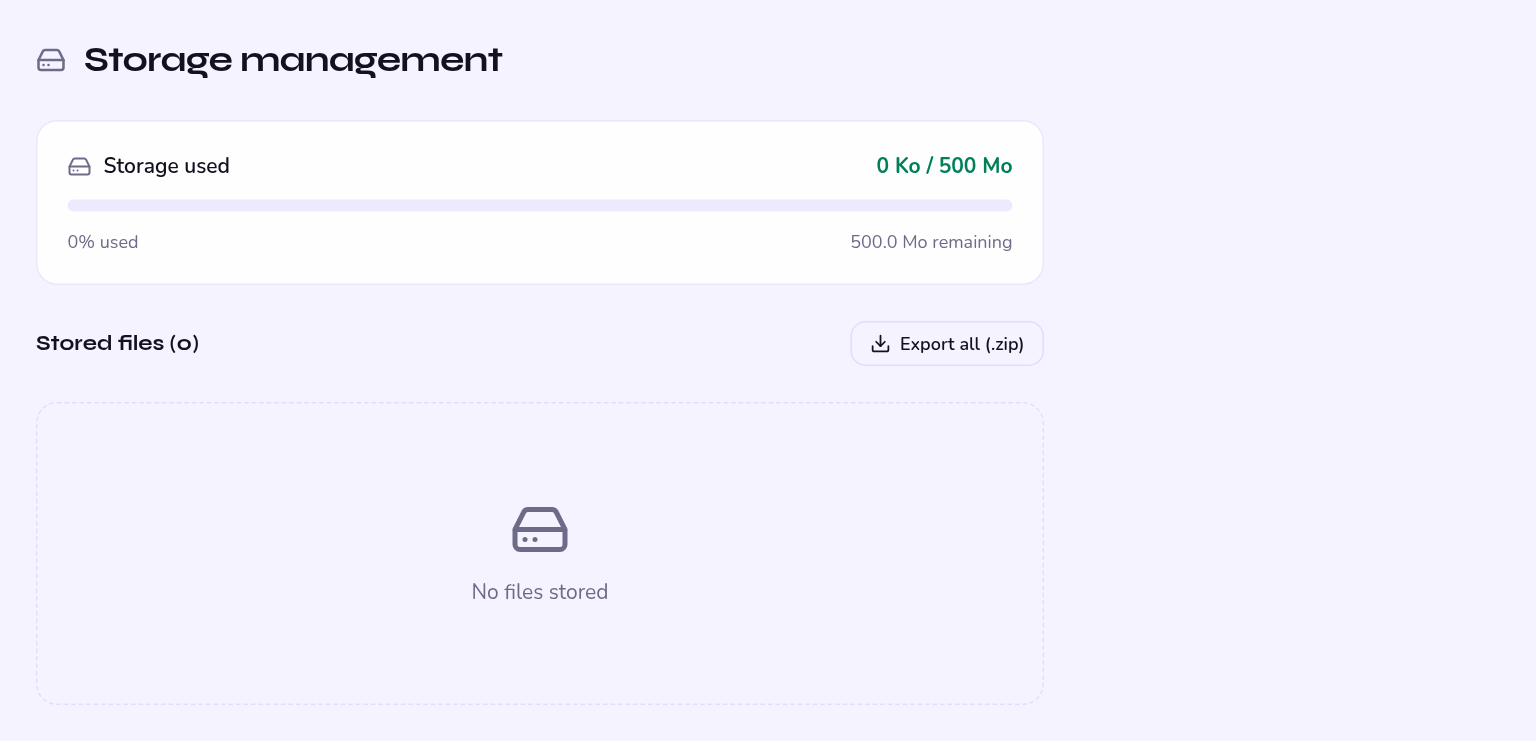
A dedicated page shows what you are using, split by category: logos, announcements, absence notes and other files. You can delete a single file there or tidy up in bulk.
| Threshold | What happens |
|---|---|
| 80% of quota | A warning email goes automatically to the administrator. |
| 95% of quota | Second warning email. |
| 100% of quota | Uploads are blocked: no attachments, no absence notes. |
Photos of medical certificates taken on a phone, often at full resolution. That is the first category to look at when the quota fills up.
Exporting your files
An export button produces a ZIP archive of all the school's files. Useful for end-of-year archiving, or before a clear-out.
It does not contain the database — students, grades, attendance. A full school export is not available yet; if you need one, write to support.
Statistics
Numbers on roll, sessions held and cancelled, attendance rate, grade distribution, aggregates by group and by subject — all filterable by academic term. Enough to prepare a board meeting without redoing the sums by hand.