Parent
Explaining an absence
You submit the note directly in the app. It follows a traced route: the teacher reads it, then the office signs it off.
In brief
- What you have to fill in, and what is optional.
- How to know where your note has got to.
- Why the absence may still be showing.
Submitting a note
- Open Absence Notes From your child's space.
- Give the date and the duration Morning, afternoon or full day. For several days, submit one note per day.
- Explain the reason Keep it factual and brief: this field is read by the school's teaching team.
- Add an attachment if you have one Certificate, summons, letter. This is optional.
The reason is read by the teaching team
Do not spell out sensitive medical information there. "Medical reason" is enough in most cases; the certificate attached provides the proof without exposing the detail.
Following it
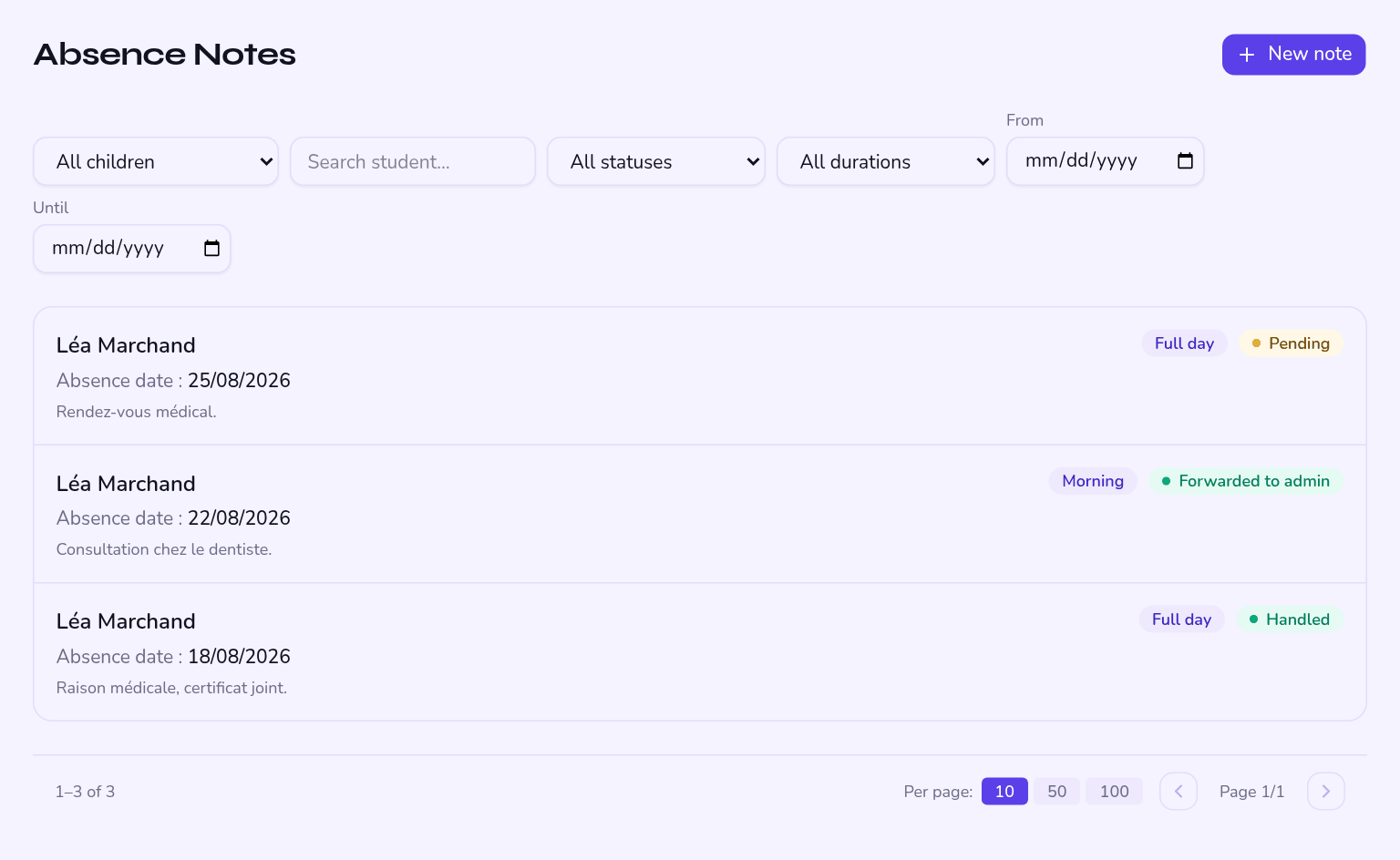
The note goes through three stages, and you can see where it stands:
| Stage | Who acts | What it means |
|---|---|---|
| Submitted | You | The note is recorded, waiting to be read. |
| Seen and forwarded | The teacher | They have read it and passed it to the office. |
| Signed off | The office | The note is handled and archived. |
How soon
The sooner the better: a note submitted the same day avoids automatic chasing and lets the teacher correct the attendance sheet before it is frozen.
What it changes
The absence does not disappear on its own
Submitting a note does not automatically change the mark from "absent" to "excused". It is the teacher or the office who corrects the sheet, if it is not yet locked. Your note is archived and on the record either way.