My schedule and my classes
Your starting point every morning. You only see your own sessions: the ones where you are named as the teacher.
In brief
- The three display scales of the schedule.
- Where to find the student list for a group.
- Why a session may not appear.
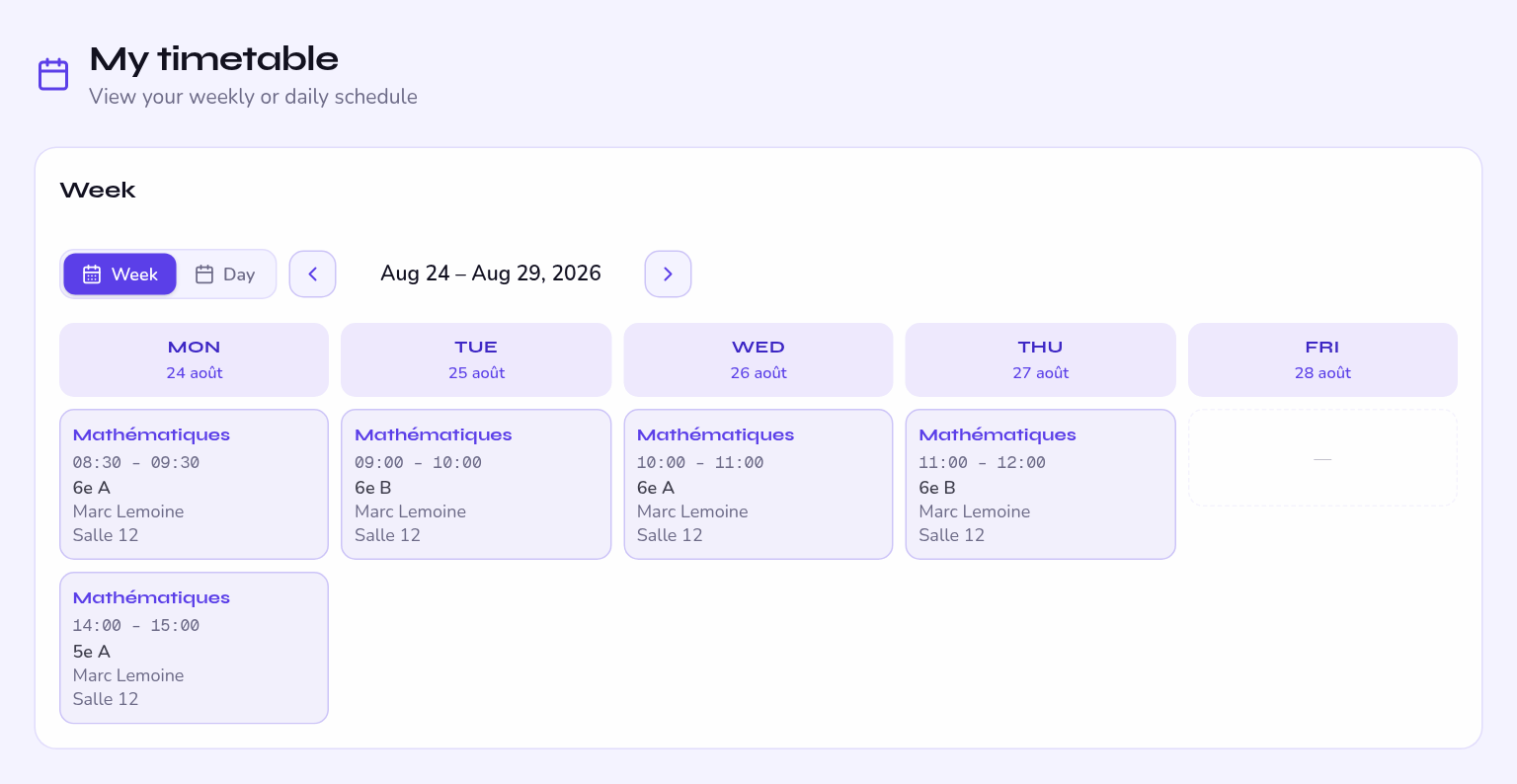
My schedule
My schedule offers three scales — day, week, month — and filtering by group or subject. Opening a session gives you the Attendance tab and the Assessments tab.
It fits on a phone screen and shows the rooms: that is the one to keep open between lessons.
My classes
My classes lists the groups in your care, with their size and their number of sessions per week. From there you reach the student list.
A student record
It holds what is useful to you in class: the level, the groups, the linked parents and, depending on school settings, the practical details — permission to leave, photo consent, medical notes.
A medical note is not commented on in front of the class and is not passed outside the team. It is there so you can react, not to be shared.
A session is missing?
- It is more than eight weeks away — the timetable only runs eight weeks ahead, which is normal.
- It falls in a holiday or on a non-working day — it is not created.
- You are not named on it — only the administrator can fix the slot.